
 Farina
Switch on notifications and don't miss a thing
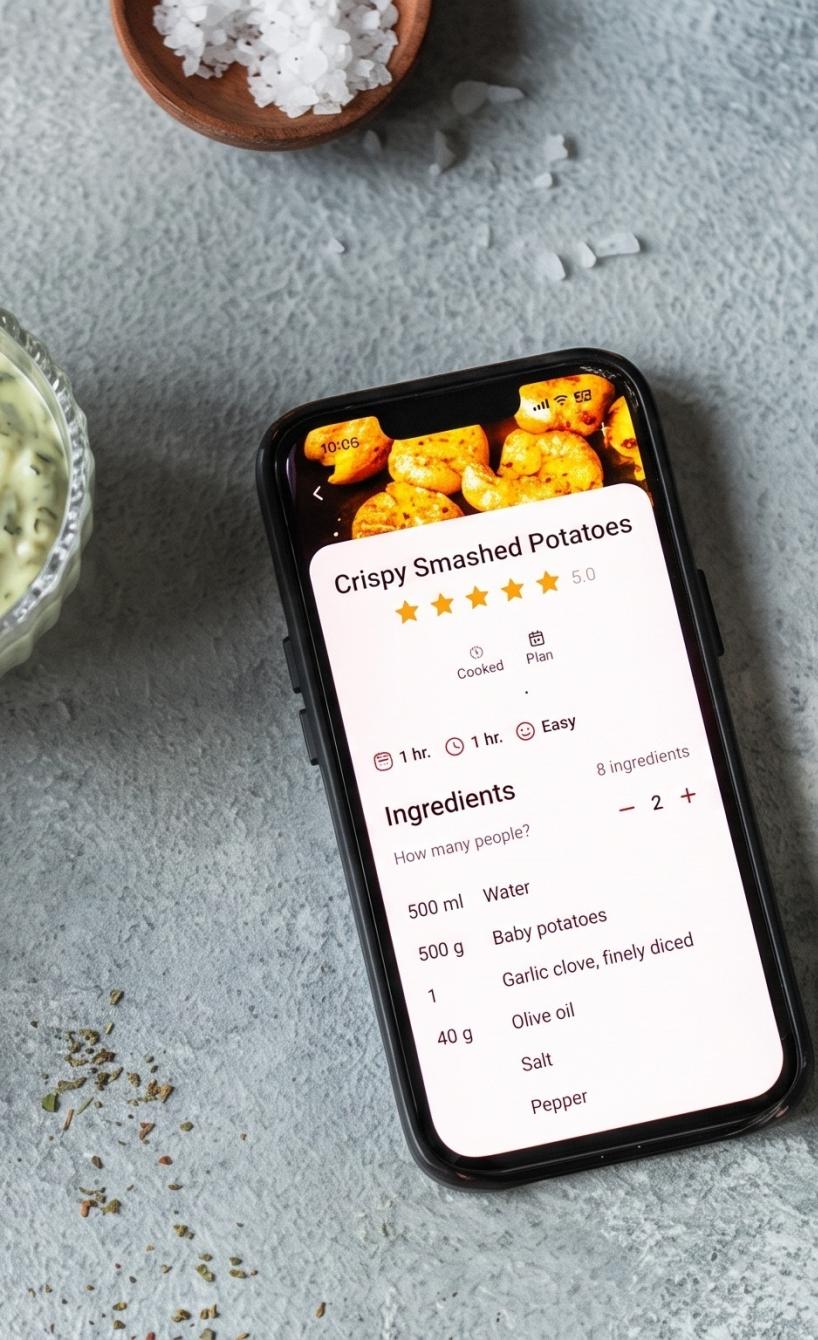
With push notifications, you’ll always be in the loop and never miss any exciting news. Whether it’s new recipes, live events, online cooking classes or exclusive offers – with push notifications, you’ll always be in the know. Here’s how to switch them on in the Air Fryer Club app.
Table of Contents
Step-by-step guide: switching on push notifications
- 📲 Open the Air Fryer Club app on your phone.
- 🕵🏻♀️ Tap your profile picture in the bottom right of the home screen.
- ⚙️ On the next page, you’ll find a cog icon in the top left. Tap it to open your settings.
- ✅ Select Notifications – in your settings, you’ll find “Notifications”. Tap it so the toggle turns green.
Your phone’s own settings
Depending on your phone, you can also customise your notifications in its general settings.
⚙️ To do this, go to Settings and then Notifications 🔔. Select the Air Fryer Club app and set up your notifications just the way you like. 😍
What push notifications give you
- The latest and best recipes: Be the first to hear about the newest trending recipes and try them out straight away.
- Info on live events and online cooking classes: Never miss the chance to join exciting events and classes and pick up the best tips for everyday air frying.
- Secret offers: Get exclusive discounts and deals that we only send to our loyal members via push notification.
With push notifications, you’ll always stay up to date and get the most out of everything Air Fryer Club has to offer. Switch them on now and enjoy the benefits!