
 Farina
All those saved recipes? Let's make them!
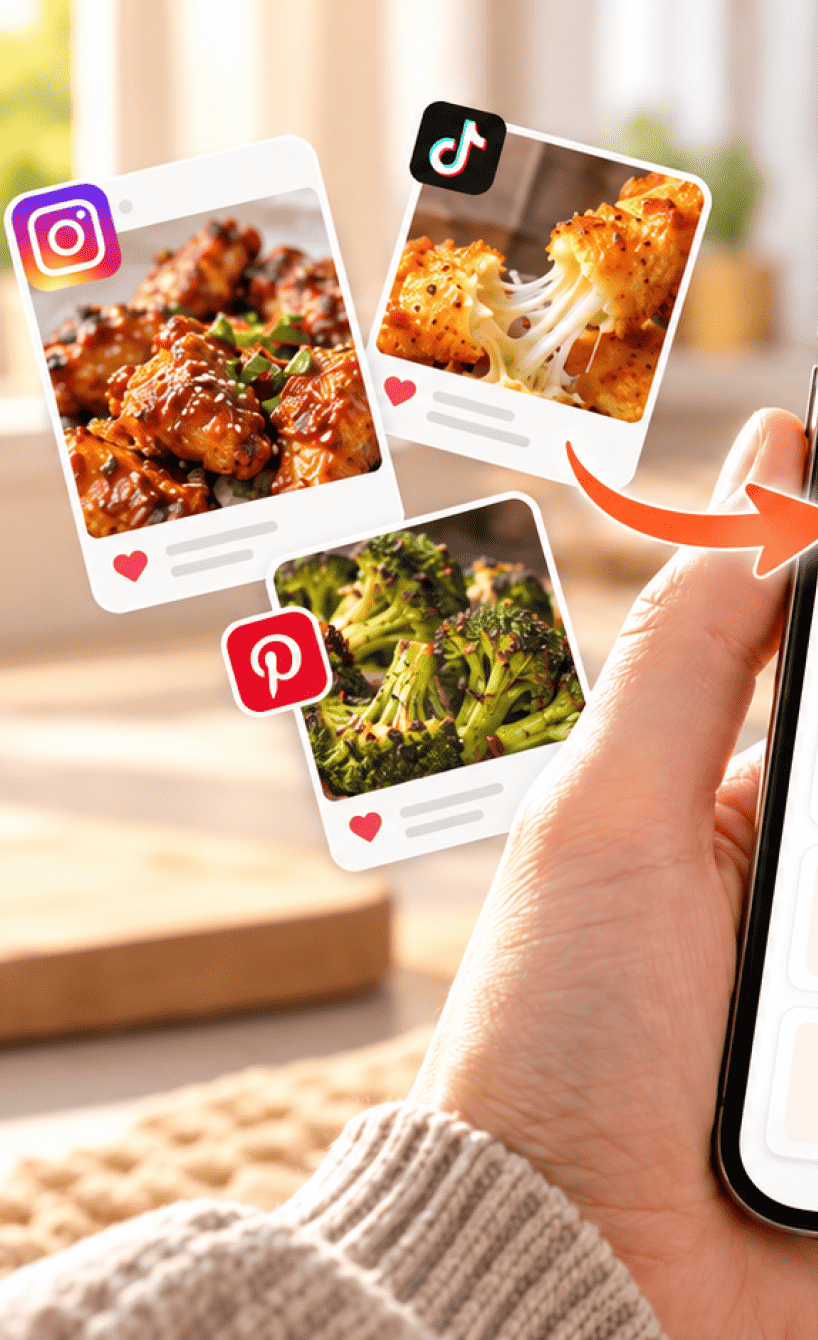
We've all got a collection of recipe videos on Instagram or TikTok that we've never tried. Sound familiar, right? Now you can bring your favourites straight into your Air Fryer Club and finally give them a go!
Here's how you import recipes
- Open your profile: In the Air Fryer Club app, tap the profile icon in the bottom-right corner of the menu bar.
- Find the Recipe Importer: Tap the + button in the bottom-right corner of your profile, then select Import.
- Find your recipe: Open Instagram, TikTok or a web link and find a recipe you'd love to try.
- Share it with us: Tap Share on the post or video and select the Air Fryer Club App. Can't see it? Tap More to find it.
- Let AI do its thing: Our AI turns the post into a recipe with ingredients and step-by-step instructions. This might take a moment.
- Ready to cook! Once it's done, tap Go to my recipes. You'll also find your imported recipes in Your recipes whenever you're ready to make them.
No more hunting through hundreds of saved videos. Your next favourite meal might already be waiting in your Instagram saves! Lets actually make them!
Tip: All our not-self-imported recipes are tested by our team. Give your AI-imported recipe a quick check before you start cooking.